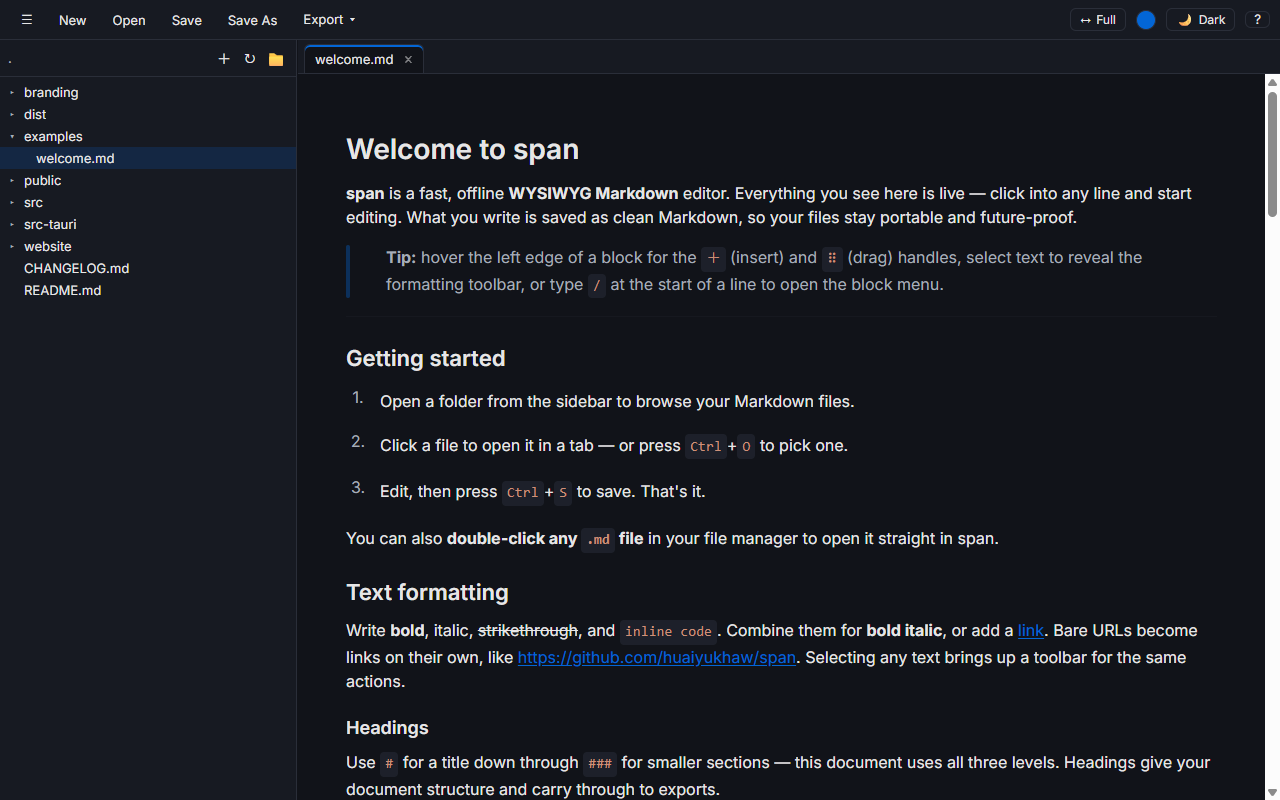
Live WYSIWYG editing
Rendered Markdown you edit in place — click into any line and start typing. What you write is saved as clean Markdown, so files stay portable and future-proof.
Free & open source · Windows, macOS, Linux
span is a thin, standalone WYSIWYG Markdown editor — edit rendered Markdown directly, Typora/Outline style, while the file on disk stays clean, portable Markdown.
Local, not cloud
span doesn't sync, doesn't phone home, and doesn't ask you to sign in. It opens a Markdown file already on your disk, lets you edit it, and writes it back — offline, every time.
The things it does well. Nothing it doesn't need to.
Rendered Markdown you edit in place — click into any line and start typing. What you write is saved as clean Markdown, so files stay portable and future-proof.
Open many documents at once, each with its own undo history. CtrlTab switches most-recently-used, like a browser.
Open several folders at once and browse their Markdown trees side by side. Create, rename, and delete files right from the sidebar — your layout is restored next launch.
Browse without fear of a stray keystroke. Toggle editing on and off with CtrlE — span remembers your choice between sessions.
A --- block at the top of a file renders as a tidy metadata card instead of clutter — and it's preserved byte-for-byte on save.
Keeps your last 10 closed tabs on hand — CtrlShiftT brings the last one back.
Self-contained, styled HTML — or Print / Save as PDF straight from the editor.
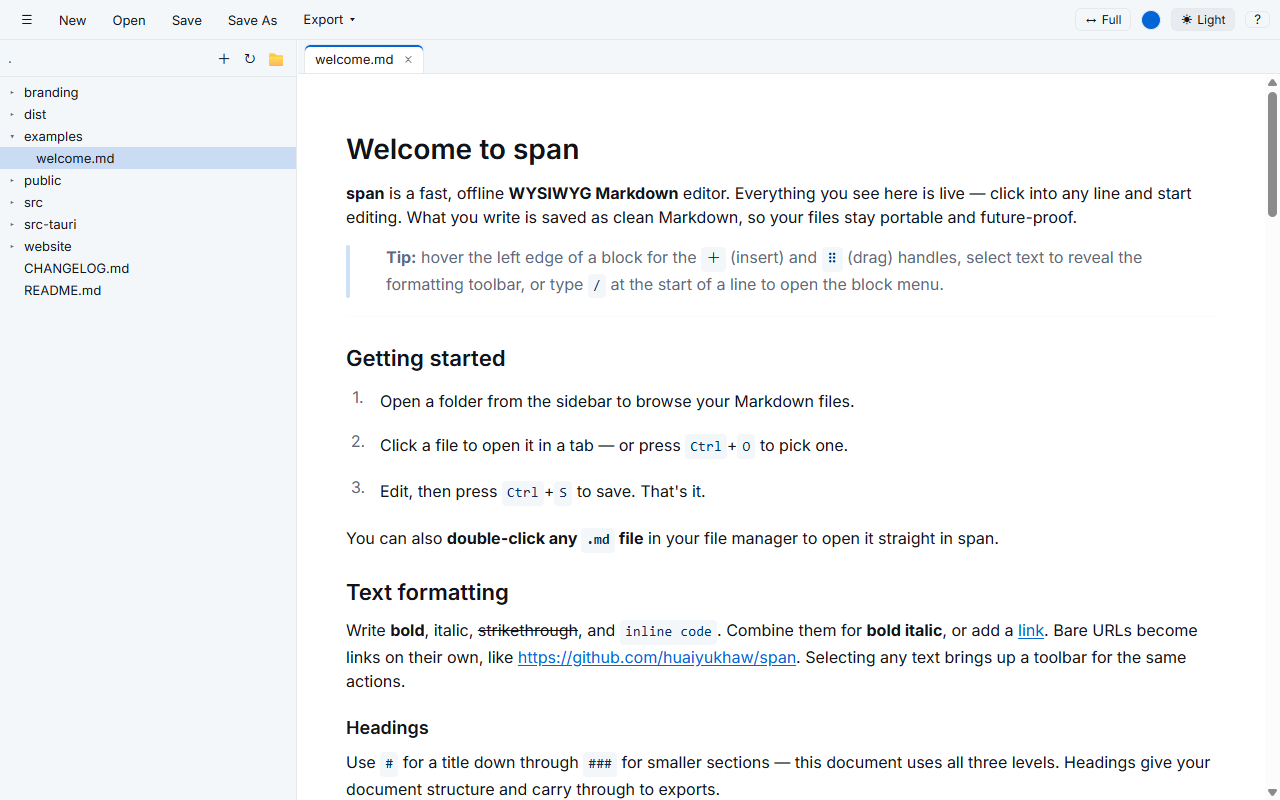
Light, dark, or system — cycle with CtrlShiftL, no flash of the wrong theme on launch. Plus eight pickable accent colors — try one above.
Every shot below is the real app — nothing staged.
A sample of what's bound. Press Ctrl/ or F1 in the app for the full list.
| New tab | CtrlN |
| Open file | CtrlO |
| Open folder | CtrlShiftO |
| Save | CtrlS |
| Read-only / edit | CtrlE |
| Switch tab (MRU) | CtrlTab |
| Reopen closed tab | CtrlShiftT |
| Toggle sidebar | Ctrl\ |
| Cycle theme | CtrlShiftL |
| Shortcuts list | Ctrl/ |
Text formatting — bold, italic, headings, lists, links — uses the editor's own shortcuts and the / slash menu. Ctrl is Cmd on macOS.
Once span is on your PATH, open files and folders straight from the command line — and it hands your prompt right back.
On Windows, right-click a folder in Explorer and choose Open with span.
Grab the installer for your platform from the Releases page.
Builds aren't code-signed yet. That's expected for an unsigned app in early releases — code signing is planned for later. Your OS will show a first-run warning:
xattr -cr /Applications/span.app.chmod +x span_*.AppImage, then run it.